Managing Google Drive at Scale Without Repeating the Same Folder Work

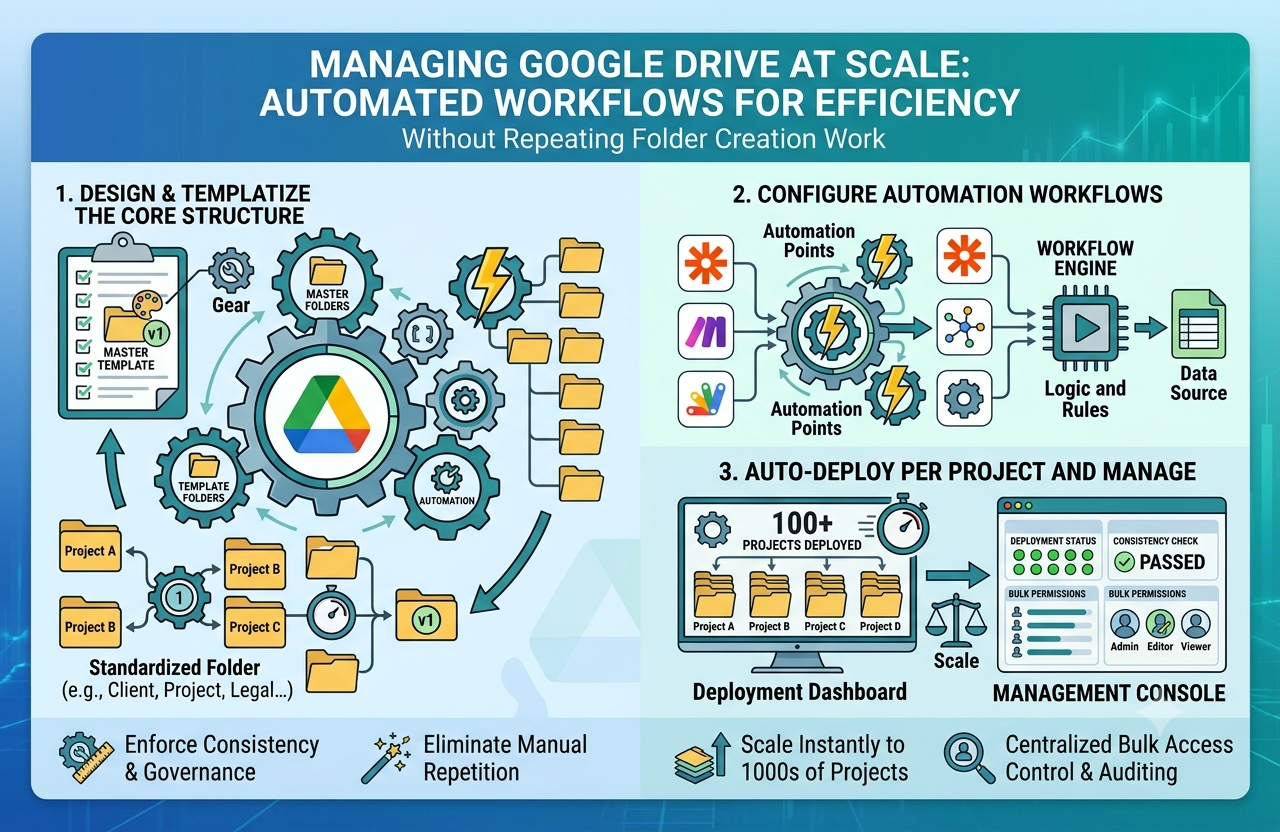
Google Drive is one of the most widely used platforms for storing and sharing business files. It works well for collaboration, remote access, and document management, but as teams grow, keeping Drive organized becomes much harder. New clients, projects, employees, and departments all need their own folder structures, and building those manually over and over again can waste a significant amount of time.
For small teams, creating folders one by one may seem manageable. But for businesses handling multiple workflows at once, manual setup quickly becomes a bottleneck. Every time a new project begins, someone has to create the same main folder, add subfolders in the right order, follow naming conventions, and make sure nothing important gets missed. Over time, that process becomes repetitive, inconsistent, and difficult to scale.
Why folder setup in Google Drive often gets messy
Google Drive gives teams flexibility, but flexibility without structure often leads to clutter. When different people create folders in different ways, the result is an inconsistent filing system that slows everyone down.
Common problems usually include:
-
Folder names that do not follow a standard format
-
Missing subfolders for important files or approvals
-
Duplicate folders created by mistake
-
Time lost searching for documents across multiple locations
-
Confusion about where new files should be stored
These issues become even more noticeable in businesses that onboard clients regularly, run repeatable service processes, or manage large volumes of shared documents. The more often your team repeats the same setup manually, the more likely it is that errors and inefficiencies will build up.
The value of a repeatable folder structure
A good folder structure does more than keep files neat. It supports faster work, better collaboration, and smoother handoffs between team members. When every client or project follows the same structure, people know exactly where to find contracts, drafts, reports, invoices, and final assets without needing to ask.
For example, a digital agency might need a standard Google Drive setup for every client with folders for onboarding documents, content drafts, design files, approvals, campaign reports, and billing. A property management business may need folders for each property containing inspection records, photos, contracts, maintenance documents, and communication logs.
Rather than building this manually each time, many teams now look for ways to bulk create folders Google Drive so the same structure can be generated quickly across multiple projects without repeating the setup from scratch.
How this improves everyday workflow
Using a more efficient folder creation process can make a noticeable difference in daily operations.
Saves time on repetitive tasks
Instead of manually clicking through every folder and subfolder, teams can focus on the actual work inside those folders.
Creates consistency across projects
A standard folder layout makes it easier for everyone to follow the same system.
Reduces setup mistakes
When structures are repeated manually, it is easy to skip a folder or place one in the wrong location. A repeatable process lowers that risk.
Makes collaboration easier
When everyone knows where files belong, handoffs become smoother and less time is spent searching.
Supports business growth
As the number of projects or clients increases, folder creation does not need to become a larger administrative burden.
A few best practices for keeping Google Drive organized
To make folder systems easier to manage over time, it helps to keep the structure practical and clear.
-
Use consistent naming for every client, team, or project folder
-
Keep folder templates aligned with your actual workflow
-
Avoid unnecessary nested folders that make navigation harder
-
Review shared folders regularly to remove outdated files
-
Train team members to follow the same structure from the start
Google Drive is a powerful collaboration tool, but it works best when the structure behind it is intentional. When folder creation becomes standardized instead of manual, teams can work faster, stay organized, and manage growing file systems with far less friction.


 English
 Chinese (Simplify)